

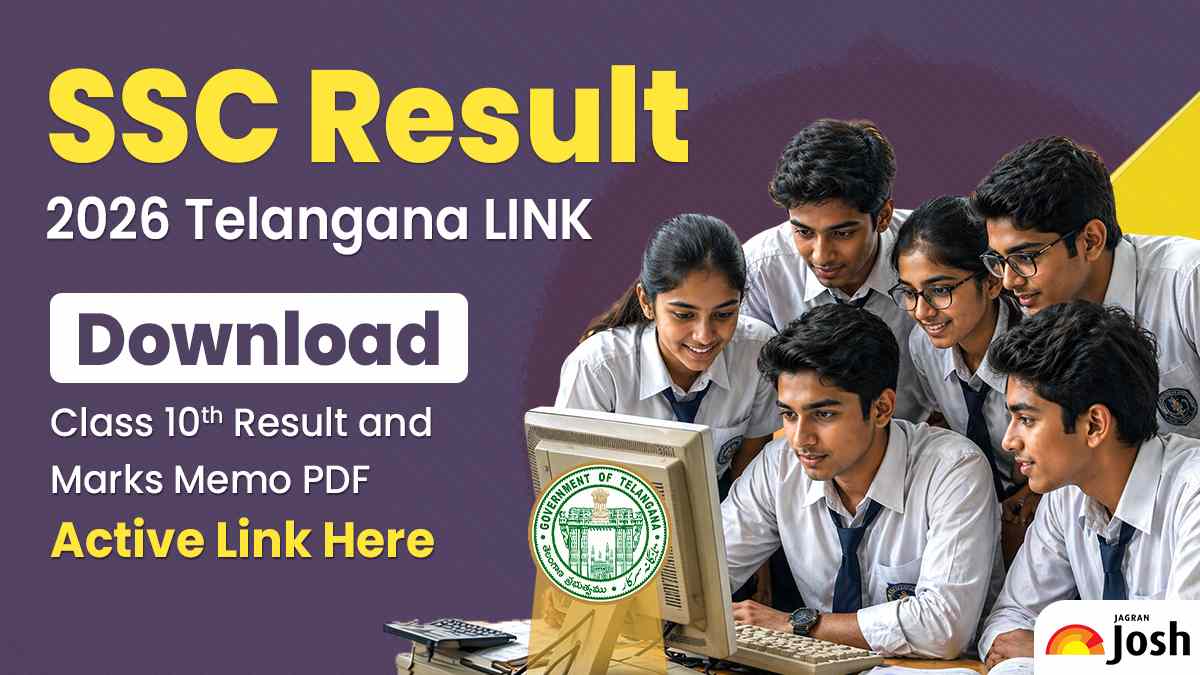
The SSC Result 2026 Telangana is one of the most awaited announcements for Class 10 students across the state. The Telangana Board has officially announced that the TS SSC Class 10 results will be declared today, April 29, 2026. Students should be ready by 02:00 PM, as the link will be activated immediately following the formal press conference in Hyderabad.
Students and parents are eagerly looking for the official link to check the result without delays.To make things easier, the Telangana board will release the result online along with a marked memo PDF. Students can simply enter their hall ticket number to view and download their scorecard. It is important to rely only on the official website to avoid any confusion or incorrect information.
SSC Result 2026 Telangana LINK (Active Soon)
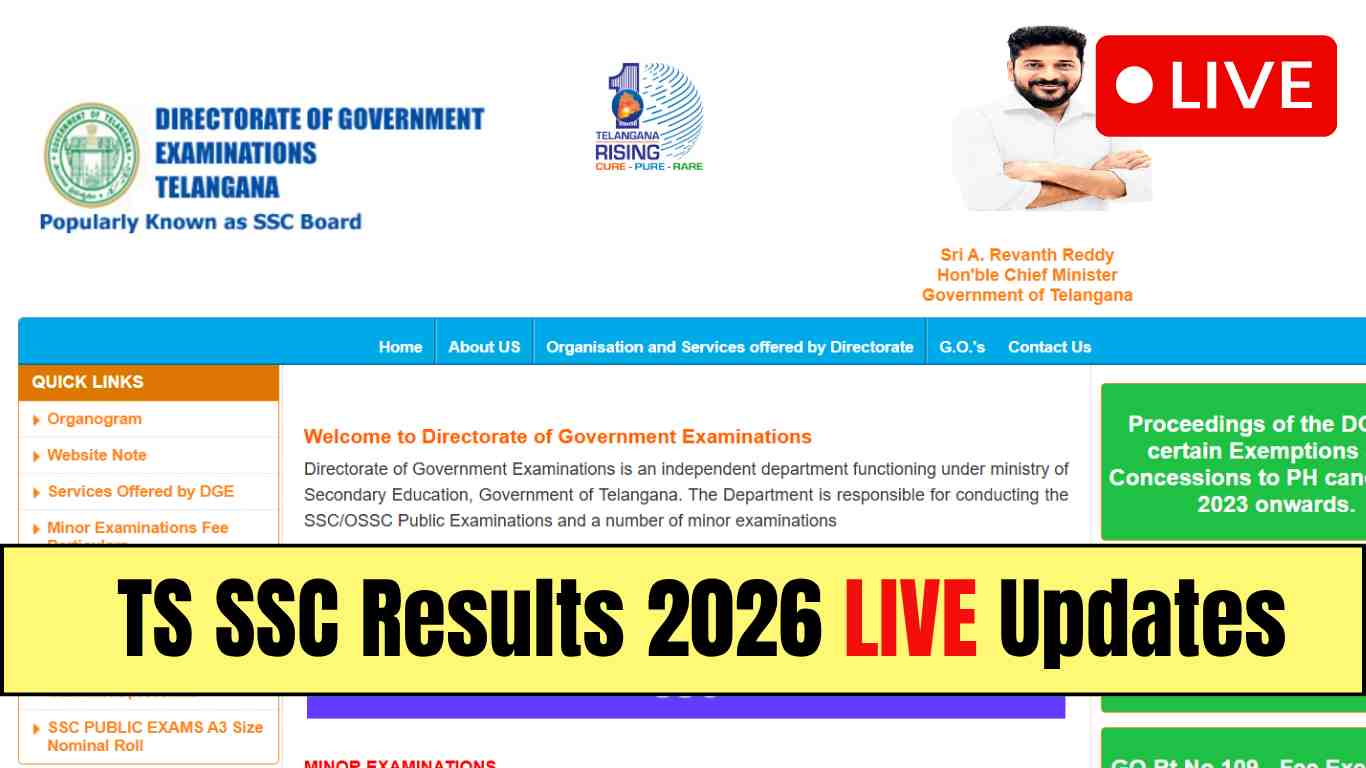
The official link to check SSC Result 2026 Telangana will be activated soon. Students should keep their hall ticket number ready to access their marks quickly. Once released, the result link will be available on the official board website. It is advised to refresh the page if the website is slow due to heavy traffic.
How to Download SSC Result 2026 Telangana Marks Memo PDF
Students can follow these simple steps to download their marks memo:
- Visit the official Telangana SSC result website
- Click on the “SSC Result 2026” link
- Enter your hall ticket number
- Click on submit
- Your result will appear on the screen
- Download and save the marks memo PDF for future use
Details Mentioned on SSC Marks Memo
After downloading the result, students should check the following details carefully:
- Student’s name
- Hall ticket number
- Subject-wise marks
- Total marks
- Grade or division
- Result status (Pass/Fail)
In case of any error, students should contact their school immediately.
Students should keep a printed copy of their marks memo for admission purposes. It is also advised to regularly check official updates regarding revaluation and supplementary exams. Avoid relying on unofficial sources for result links or information.

Comments
All Comments (0)
Join the conversation