

Show Key Points
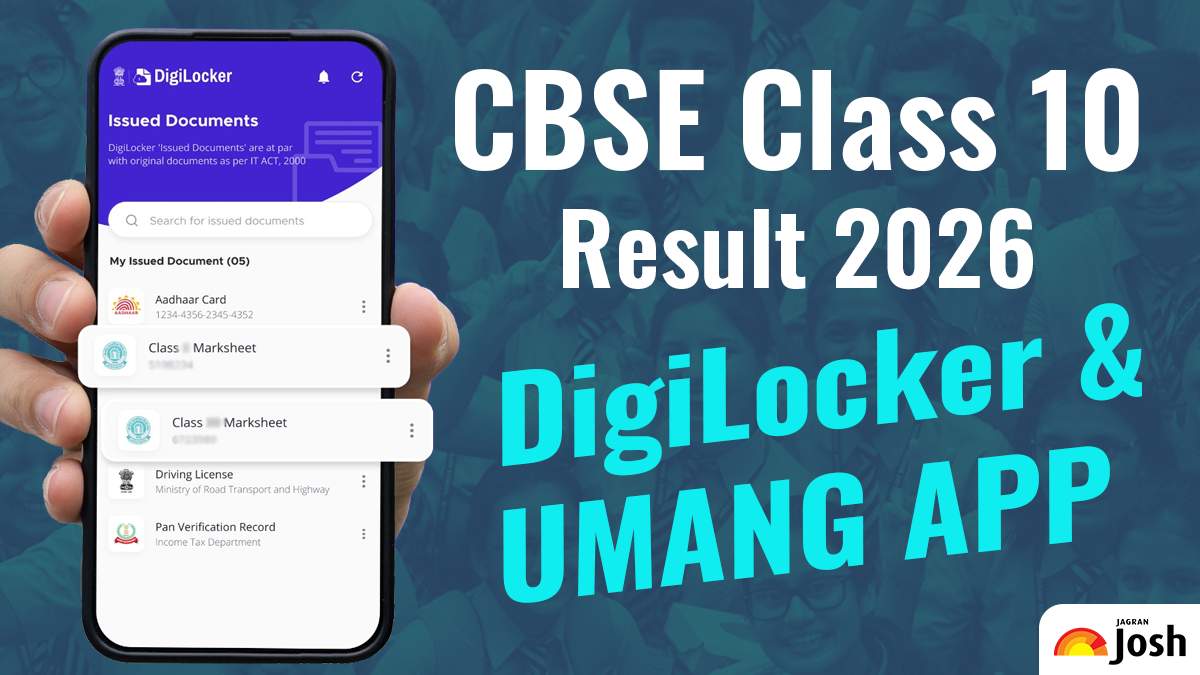
DigiLocker CBSE Board 10th Result Link
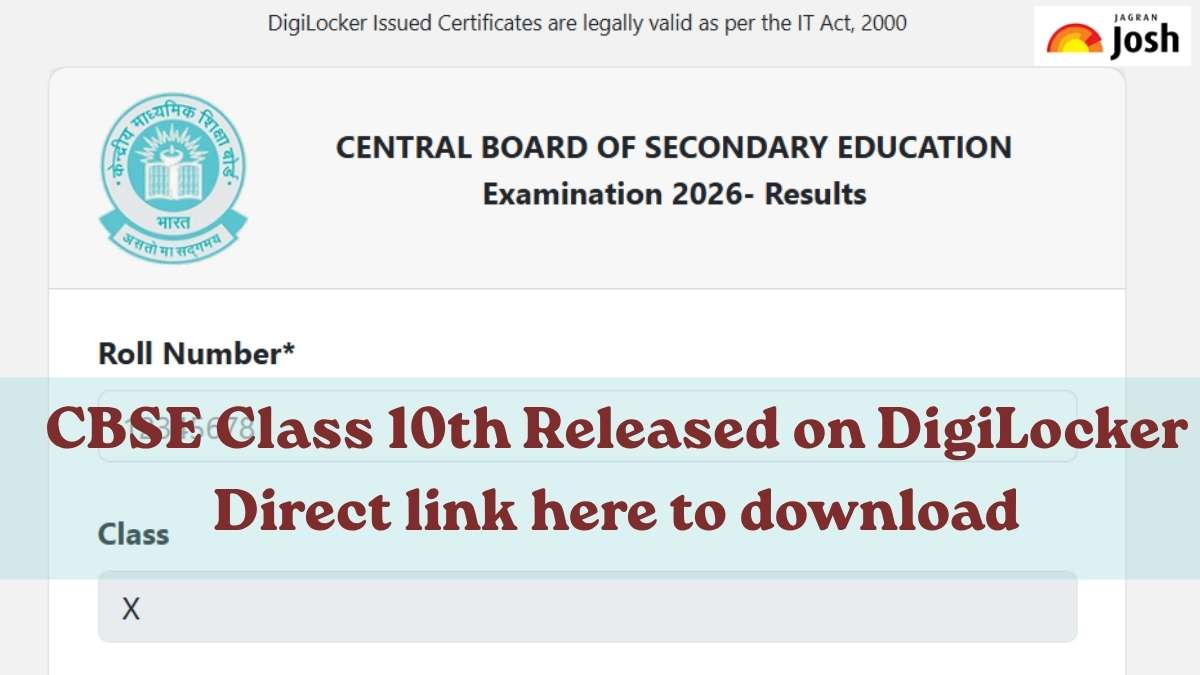
The CBSE 10th Result 2026 has been officially released today, April 15, 2026, at 4:05 PM, bringing excitement and relief to lakhs of students nationwide. Students can now check and download their CBSE Class 10th marksheet PDF through the official DigiLocker portal at results.digilocker.gov.in and the UMANG app using their roll number and login credentials. The Central Board of Secondary Education (CBSE) has made digital marksheets available for easy access, ensuring students can securely download their results anytime and anywhere.
How to Check CBSE 10th Results on DigiLocker
Candidates can access their CBSE Class 10th Results on DigiLocker. They can check the following steps to download the digital marksheets and certificates through DigiLocker
- Log in to the DigiLocker website or mobile app using your credentials
- Select CBSE from the list of available education boards
- Enter your roll number, school code, and the 6-digit security PIN provided by your school
- Submit the details to access your result
- Your CBSE marksheet will appear in the ‘Issued Documents’ section
- Download and save the marksheet, which is a legally valid digital document for future us
How to Check CBSE 10th Results on UMANG App
Students can easily check their CBSE Class 10 Result 2026 through the UMANG App by following these simple steps:
1. Download and open the UMANG App from the Google Play Store or Apple App Store.
2. Log in using your registered mobile number or create a new account if you are a first-time user.
3. In the search bar, type CBSE and select the Central Board of Secondary Education (CBSE) service.
4. Click on the link for CBSE Class 10 Result 2026.
5. Enter your roll number, school number, and other required details.
6. Your CBSE Class 10 marksheet will appear on the screen, which you can download or save for future reference.
CBSE 10th Results 2026 LIVE: How to check via SMS?
Once the results are announced, students can also check them through SMS by following these steps:
1. Open the message box on your phone and type CBSE10.
2. Add your roll number after it.
3. Send the message to 7738299899.
List of Websites to Check CBSE 10th Result 2026
Jagran Josh has compiled a list of websites to check the CBSE 10th Result 2026 for students who appeared for the exam. CBSE 10th Result are accessible online. Check the list of websites below:
- cbse.gov.in
- cbseresults.nic.in
- results.cbse.nic.in

Comments
All Comments (0)
Join the conversation