


DigiLocker CBSE Board 10th Result Link
Umang CBSE Board 10th Result Link
Central Board of Secondary Education, CBSE 10th Result has released the Class 10th Result 2026 today on its official website, results.cbse.nic.in. Students can check their results online by entering their roll number, school number, and password. The Class 10 board exam result can be downloaded through the CBSE websites — cbse.gov.in, cbseresults.nic.in, and results.cbse.nic.in — or via the Jagran Josh result page. Alternatively, the results can also be accessed through official platforms such as DigiLocker, the UMANG app, and SMS services.
CBSE Class 10 Result 2026 Out at results.cbse.nic.in
CBSE concluded the Class 10 board exams on March 11, with over 26 lakh students appearing for the exam. The results have now been declared. For your convenience, we have provided the direct link to check the Class 10 result here.
Official Websites to Check Class 10 Result
The CBSE Class 10 results can be checked on the following official websites:
- cbseresults.nic.in
- cbse.gov.in
- results.cbse.nic.in
Additionally, the digital marksheets can be downloaded through DigiLocker and the UMANG app.
CBSE Class 10 Result: Past Year Trend
In 2024, a total of 21.84 lakh students registered. Of these, 21.65 lakh appeared and approximately 20.16 lakh students passed, setting the overall pass percentage at 93.12%.
- Total Registered: 21,84,117
- Total Appeared: 21,65,805
- Total Passed: 20,16,779
CBSE Class 10 Board Result 2026: How to Download Scorecard
Here's a step-by-step process to download the CBSE Class 10th Scorecard:
- Go to the official website, results.cbse.nic.in
- On the homepage, click on the Class 10 Board Result Link
- Enter your login credentials
- View and download the CBSE Class 10th scorecard
How to Download the CBSE Class 10 Board Result using DigiLocker App
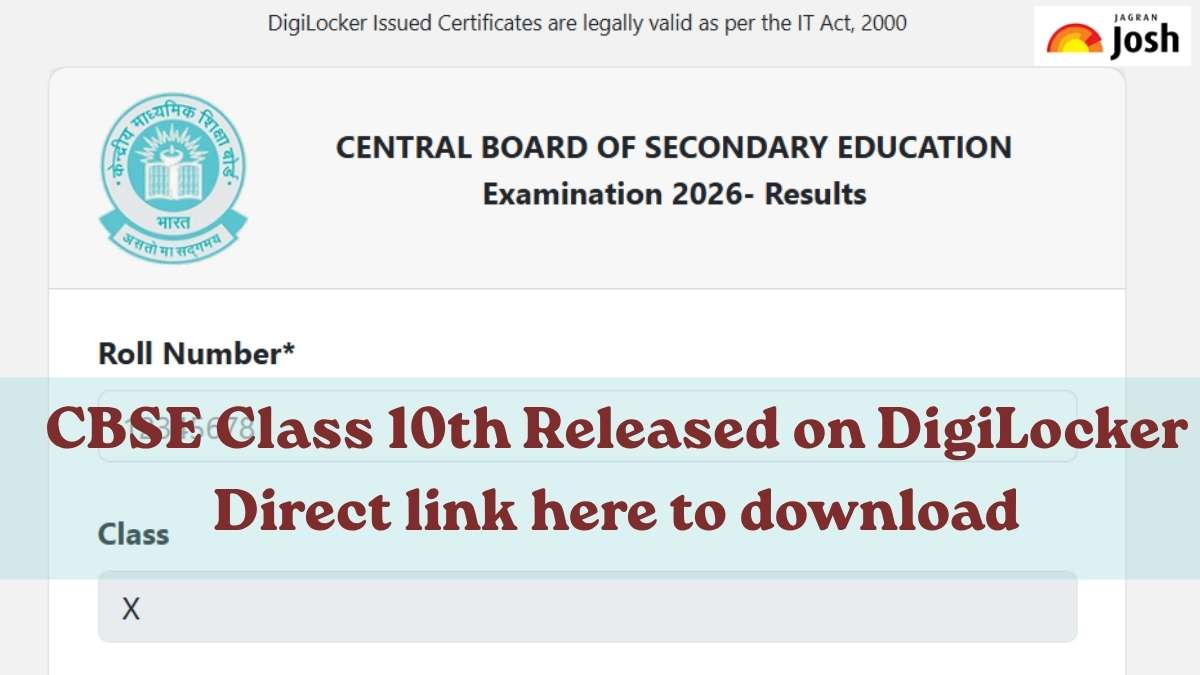
Candidates can access their digital marksheets and passing certificates on DigiLocker by following the steps provided below:
- Visit cbse.digitallocker.gov.in or download the app on your phone.
- Go to ‘digital document’ tab and click on the CBSE Class 10 marksheet link.
- Enter your login credentials.
- Your class 10th marksheet will appear on the screen.
- Check your marks and download it for future reference.


Comments
All Comments (0)
Join the conversation