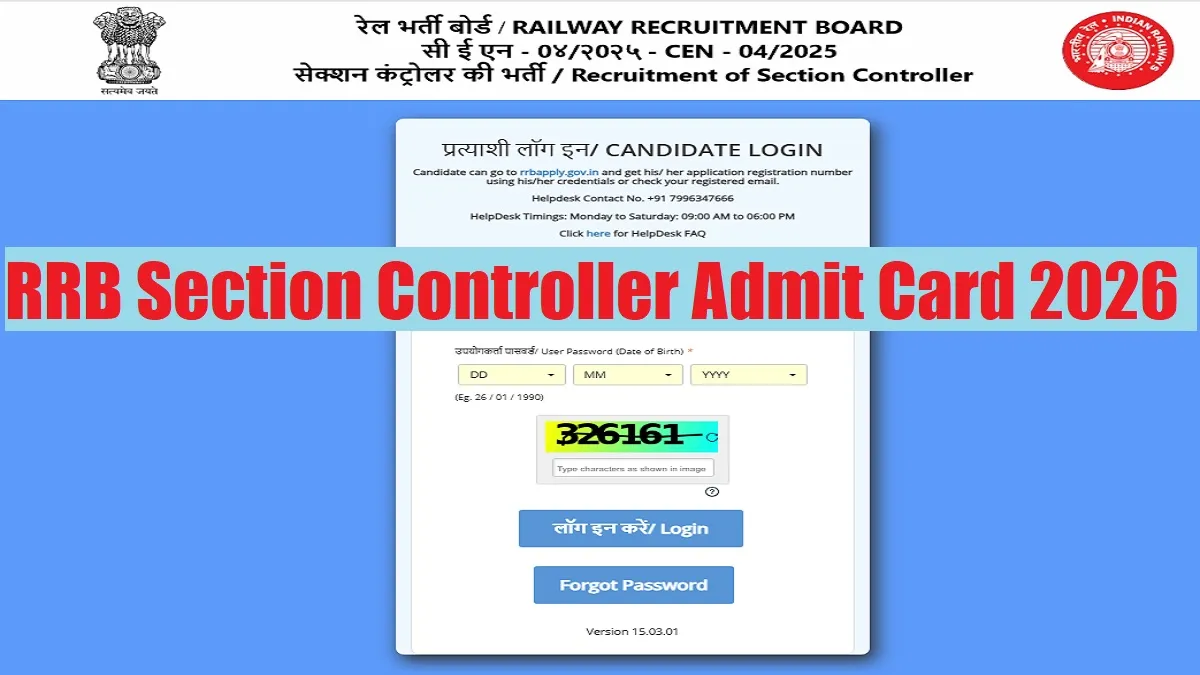
RRB Section Controller Admit Card 2026: The Railway Recruitment Board (RRB) has released the RRB Section Controller Admit Card 2026 on its official website. The written exam for the 368 Section Controller vacancies is scheduled to be held on 11th and 12th February 2026 across the country. Candidates can download the RRB Section Controller Admit Card 2026 after using their login credentials at the official website at rrbapply.gov.in.
RRB Section Controller Admit Card 2026 Download Link
The RRB Section Controller Admit Card 2026 pdf link is available on the official website of regional RRBs website. However a direct link to download the hall ticket is provided below for the convenience of the candidates-
| RRB Section Controller Admit Card 2026 | Download Link |
RRB Section Controller Admit Card 2026 Download Link
RRB Section Controller Admit Card 2026 Overview
Under the recruitment drive, a total of 368 Section Controller posts are to be filled through the recruitment drive for which the written exam will be conducted on 11th and 12th February 2026. Check the overview of RRB Section Controller Admit Card 2026 in the table below:
| Particulars | Details |
| Recruitment Body | Railway Recruitment Board (RRB) |
| Post Name | Section Controller |
| Total Vacancies | 368 |
| Notification Number | CEN 04/2025 |
| RRB Section Controller Exam Date 2026 | 11th & 12th February 2026 |
| RRB Section Admit Card 2026 status | Out |
| Exam Mode | Computer-Based Test (CBT) |
| Official Website |
How To Download RRB Section Controller Admit Card 2026?
Candidates appearing in the exam can download RRB Section Controller Admit Card 2026 after following the steps given below-
Step 1: Visit to RRBs Website: Open your browser and go to the official RRBs website.
Step 2: Get the Link: Check the notification or direct link for the concerned exam admit card download link.
Step 3: Enter Credentials: Click the link and enter your unique login credentials like Application Number, Registration Number, or Password, as required to the link.
Step 4: Download & Verify: Your admit card will appear; check all details carefully and then download and print it.





Comments
All Comments (0)
Join the conversation