RAM vs ROM: Check the Key Differences, Uses and Functions
Confused about RAM and ROM? Understand how they differ, what they do, where they are used and why both are important.
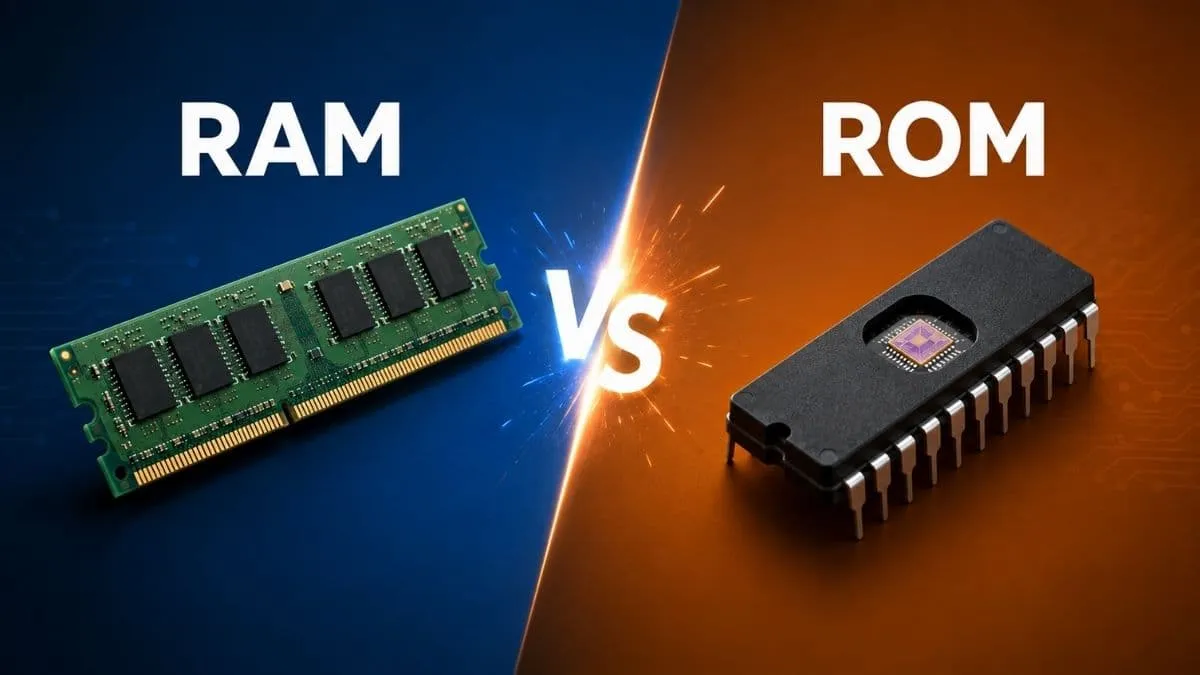
RAM and ROM are different types of memory that are found in computers, smartphones and other electronic devices. Both of them deal with data, but they are quite different.
RAM mainly helps a device work with data actively while ROM stores important instructions that need to remain available.
What is RAM?
RAM stands for Random Access Memory. It is basically the device's working memory and it temporarily holds data and instructions that the processor is actively using.
The memory of RAM is lost when a device is switched off.
Simple examples of where RAM is used are:
-
Opening multiple apps
-
Running a game
-
Editing a document
-
Keeping browser tabs open
RAM helps the processor access currently needed data quickly. It acts like a temporary workspace. The processor of any device picks up data from RAM, so that tasks run faster.
What is ROM?
ROM stands for Read-Only Memory. This memory is used to store other data that should remain available without power. This means that data that is stored in ROM is retained when the device is switched off.
ROM stores firmware and other essential instructions. It helps hardware perform basic startup or control functions. This includes the steps a device follows the moment it is switched on.
Simple examples of ROM in use:
-
TV remote controls
-
Calculators
-
Washing machines
-
Microwave ovens
-
Startup instructions in computers and phones
RAM vs ROM: Key Differences
| Feature | RAM | ROM |
| Full form | Random Access Memory | Read Only Memory |
| Data loss on power off | Yes | No |
| Main use | Active working memory | Stores instructions |
| Speed | Faster | Slower compared to RAM |
| Writable | Data can be changed easily | Not easily changed |
| Role in device | Helps run apps and tasks | Helps device start up and function |
| Size in devices | Usually larger in capacity | Usually smaller in capacity |
| Cost | Generally more expensive per unit | Generally cheaper per unit |
| Data type stored | Temporary data and active programs | Permanent instructions |
How Do RAM and ROM Work?
If we take an example such as smartphones, they use both RAM and ROM, but for different jobs.
RAM helps the phone to run apps smoothly. It holds data for apps that are open right now.
ROM on the other hand stores the phone's operating system files and other fixed data. In smartphones, this storage is often flash memory, not old-style ROM. But it is still called ROM in phone specifications.
Suppose a phone has 8GB RAM and 128GB ROM. The 8GB RAM helps the phone run multiple apps at once. For example, you can chat on WhatsApp, listen to music and browse Instagram without lag.
The 128GB ROM stores your photos, videos, apps and the operating system. This data stays saved even after you turn off the phone.

Nikhil is a dedicated digital journalist and communications professional with more than five years of experience, currently working within the General Knowledge section at Jagran Josh. He has established himself as a subject matter expert in Finance, Economy, History, Technology, and Trending News, consistently delivering accurate, engaging, and easy-to-read content for a wide global audience.
Over the course of his career, Nikhil has developed deep expertise in crafting informative listicles, viral trending stories. His editorial portfolio also spans finance, historical research, and technology reporting, making him a versatile and well-rounded content professional. Every piece he produces reflects a strong balance between factual accuracy and reader engagement.



![[Out] UGC NET June 2026 Result Live: यूजीसी नेट रिजल्ट ugcnet.nta.nic.in जारी, डायरेक्ट लिंक से करें चेक](https://img.jagranjosh.com/images/2026/August/2782026/UGC-NET-Result-2026-Marksheet-link-pdf.jpg)