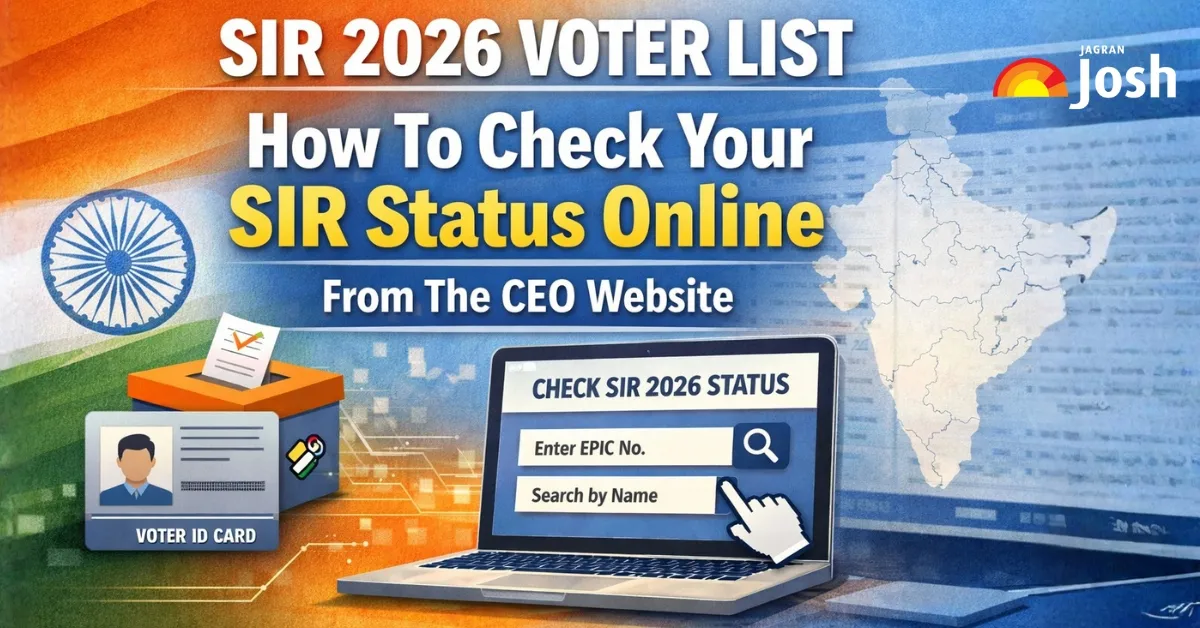
The SIR 2026 refers to the Special Intensive Revision of electoral rolls conducted by the Election Commission of India (ECI) ahead of the 2026 elections. It is a large-scale update of the voter list, aimed at ensuring the roll is accurate, inclusive, and free from duplicates, deceased voters, and ineligible entries. The exercise covers 12 states and union territories, including West Bengal, Tamil Nadu, Kerala, Uttar Pradesh, Gujarat, Rajasthan, and more, with the final voter list scheduled for 7 February 2026. During SIR, Booth Level Officers (BLOs) visit households, collect Enumeration Forms, and verify details against records. Voters must check their SIR status online to confirm their inclusion and correct errors. The official voter portal and each state's CEO website host draft voter lists, allowing citizens to search by name, EPIC number, or district. In this article, we'll look at the steps to check your SIR status online on the CEO's website.
How to Check the SIR 2026 Voter List Status on the CEO Website?
To check the SIR 2026 voter list status on any CEO website, first go to your state's official "CEO <State>.gov.in" site, find the SIR / Electoral Roll section, and then search by EPIC number or by name and district/AC. Below are the state‑wise pointers in the H3 format you requested.
i) Uttar Pradesh
- Go to the official CEO UP/ECI voter portal and ensure you are on a ".gov.in" domain (not SEC municipal sites).
- Open the Electoral Roll / SIR 2026 or "SIR Draft" option and select Uttar Pradesh as your state.
- Choose your district and Assembly Constituency and select "SIR Draft" or "SIR 2026 roll type" in the dropdown.
- Either download the AC‑wise PDF voter list or use the "Search by EPIC/Name" option, then verify that your name, address and EPIC are correct.
ii) Tamil Nadu
- Visit the official Tamil Nadu CEO website at elections.tn.gov.in (check that it is the government domain).
- Look for links like "SIR 2026", "Electoral Roll / Draft Roll" or "Special Intensive Revision – 2026".
- Select your district and Assembly Constituency and open the draft roll or SIR section for 2026.
- Search for your name in the PDF by EPIC or manually, and if there is any error or missing entry, use the online Form-6/Form-8 link on the portal.
iii) West Bengal
- Go to the CEO West Bengal website at ceowestbengal.wb.gov.in and click on the visible "SIR 2026" or "Know about SIR 2026" banner.
- Use the "SIR Draft Roll 2026" or "Find your name in Electoral Roll" link provided on that page.
- Choose the district and the Assembly Constituency, then open the draft roll or run an EPIC/name search.
- Check that your status is not marked in ASDD (Absent/Shifted/Dead/Duplicate) lists; if it is, contact the BLO or file an objection/correction from the links or help centres indicated.
iv) Kerala
- Open the CEO Kerala website (ceo.kerala.gov.in) and locate the dedicated SIR 2026 page or banner.
- Click on Electoral Roll / SIR Draft Roll and select your district and Assembly Constituency.
- Use the search function (EPIC/name) or download the PDF draft roll, and verify all details, such as address, age, and part number.
- If your name is missing or incorrect, use the online forms available on the CEO Kerala website or the ECI voter services portal (voters.eci.gov.in).
v) Other SIR 2026 states/UTs (MP, Rajasthan, Gujarat, Goa, Chhattisgarh, Andaman & Nicobar, Lakshadweep, Puducherry)
- Visit your state/UT's CEO website (for example, CEO MP, CEO Rajasthan, CEO Gujarat, CEO Goa, CEO Chhattisgarh, CEO Puducherry) or the UT election office site for Andaman & Nicobar and Lakshadweep.
- Find the "Special Intensive Revision / SIR 2026" or "Draft Electoral Roll 2026" link in the homepage banners or Electoral Roll section.
- Select state → district → Assembly Constituency, then choose "SIR Draft / 2026" as the roll type and search by EPIC or name, or download the AC‑wise PDF.
- If any discrepancy appears, use the linked online forms or contact details shown on the CEO page within the SIR objection/correction window.
What Is SIR 2026 and Why Is It Important for Voters?
SIR 2026 is the Election Commission of India's "Special Intensive Revision 2026"—a one‑time, deep verification and correction drive of the electoral rolls in selected states and Union Territories before the 2026 election cycle. It directly affects whether a citizen's name is present, correct, or deleted from the voter list, so it is crucial for anyone who wants to vote in upcoming elections.
What is SIR 2026?
SIR stands for Special Intensive Revision, a detailed house‑to‑house and online verification of voter lists conducted by the Election Commission of India (ECI). "SIR 2026" refers to the phase of this exercise tied to rolls that will be used for elections around 2026, currently running in about a dozen states and UTs, including West Bengal, Kerala, Tamil Nadu, and others.
What does SIR 2026 do?
- Enumerators and Booth Level Officers verify whether existing entries are genuine, remove duplicate or "ghost" voters, and correct errors in names, addresses, age, and other details.
- New eligible voters (such as those turning 18 by the qualifying date) can add their names, while records of deceased or moved persons are removed to clean the rolls.
Why is SIR 2026 important for voters?
If a voter does not respond or submit the SIR 2026 form (online or offline) where required, there is a real risk that their name may not appear in the final SIR 2026 electoral roll for that area. A clean, updated roll reduces bogus voting, impersonation, and multiple registrations, making every genuine vote more meaningful and strengthening trust in election outcomes.
How can voters participate?
- Voters can check their SIR status and draft rolls on the ECI portal (voters.eci.gov.in) and state CEO websites, such as CEO West Bengal and CEO Kerala, and then file additions/corrections or objections within the notified window.
- Forms such as Form 6 (new registration), Form 8 (correction), and the SIR‑specific enumeration form can be filled out online or at BLOs and designated centres, such as BDO/SDO/DM offices.
Who Needs to Check Their Name in the SIR 2026 Voter List?
Every existing and potential voter in an SIR 2026 state should check their name in the SIR voter list, but some categories are at exceptionally high risk and must be extra careful. Anyone whose details have changed or who has recently become eligible is more likely to face deletion, objections, or errors if they do not verify their entry.
i) Voters Who Must Definitely Check
- All existing voters in states/UTs where SIR 2026 is underway, because this is a ground‑up re‑verification in which even old entries can be marked "Absent/Shifted/Dead (ASD)" or deleted if not confirmed.
- Voters are flagged as ASD or “suspect/objected” in the draft SIR rolls, as these entries can be removed if the voter does not correct or prove their eligibility within the given time.
ii) High‑risk groups for deletion
- People who have shifted address, migrated within or outside the state, or live in rented/hostel/PG accommodation, because BLOs may not find them at the old address and can propose deletion as "shifted".
- Families of deceased persons: since SIR targets the removal of dead voters, surviving members should ensure only the deceased's name is deleted, and others remain correctly listed.
iii) New and young voters
- Citizens turning 18 by the qualifying date for SIR 2026 (first‑time voters) need to check that their fresh Form‑6 application has actually resulted in an entry in the draft SIR roll.
- Students and young migrants living away from home must confirm in which constituency their name appears to avoid multiple registrations or accidental deletions.
iv) Voters with data mismatches
- Anyone who has noticed mistakes in their name, father's/spouse's name, age, gender, or address in the SIR form or draft roll, since mismatches can trigger mandatory re‑verification and even deletion if not fixed.
- Voters asked for extra documents by the Electoral Registration Officer (ERO) or BLO during SIR (for example, in border or high‑migration areas) should check their status to ensure their record is finally "verified", not kept in suspense.
v) How these voters should check
Use the ECI voter services portal (voters.eci.gov.in / electoralsearch.eci.gov.in) or your state CEO website (like CEO West Bengal, CEO Kerala, or CEO Tamil Nadu) and search by EPIC number or name in the "SIR 2026" or "Draft Electoral Roll" section. If the online search is confusing, contact the local Booth Level Officer or visit designated help centres, where printed SIR rolls and assistance are available to confirm and correct entries within the objection/correction window.





Comments
All Comments (0)
Join the conversation