

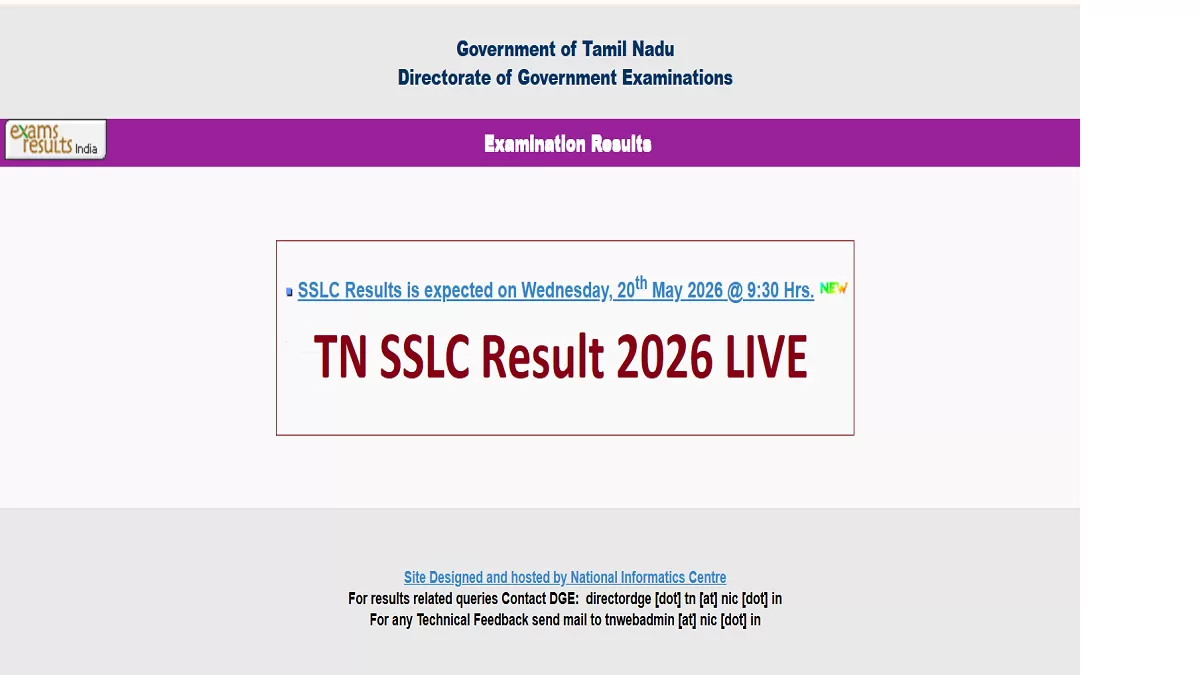
TN SSLC Result 2026: The Directorate of Government Examination, Tamil Nadu, will announce the SSLC results tomorrow. As per the notification on the website, the Class 10 results will be announced on May 20, 2026, at 9:30 AM. Candidates who have appeared for the exams need to keep their SSLC hall tickets ready to check the result and download their marksheets.
An official confirmation on the date and time for the announcement of the TN SSLC Result 2026 will be given by officials. The time of the result announcement will be shown on the result link. Once announced, students can visit the official website tnresults.nic.in to check the result and download the online marksheets. Students will also be able to check the result on the DigiLocker App.
To download the TN SSLC online marksheets, students are required to visit the official website and log in using their TN 10th registration number and date of birth. The online marksheets will be valid for further admissions to class 11.
TN Class 10 Result 2026: Date and Time of Announcement
The Tamil Nadu Board class 10 result 2026 will be announced online. The date and time for the announcement of the results have been confirmed by officials. As per the notification available, the TN SSLC Result 2026 will be declared at 9:30 AM tomorrow, May 20, 2026. To download the marksheets, students are required to visit the official website and login with their credentials.
TN SSLC Result 2026: Official Websites to Check
The Tamil Nadu board 10th result 2026 will be announced online. The date and time will be announced soon. Once released, candidates can visit the following websites to check the result
-
tnresults.nic.in
-
results.digilocker.gov.in
Steps to Check TN SSLC Result 2026
The Tamil Nadu board class 10 result 2026 will be announced online. Candidates can follow the steps provided below to check the results
Step 1: Visit the official website of the Tamil Nadu Board
Step 2: Click on the TN result link
Step 3: Click on the SSLC result link
Step 4: Log in with the registration number and password
Step 5: The SSLC result will be displayed
Step 6: Download the marksheets for reference





Comments
All Comments (0)
Join the conversation