

Key Points
- IIM Kozhikode released the CAT 2025 answer key and response sheet today, December 4, 2025.
- Candidates can use these to estimate their scores on the official website at iimcat.ac.in.
- The management exam was held on Sunday, November 30, 2025, in three slots.
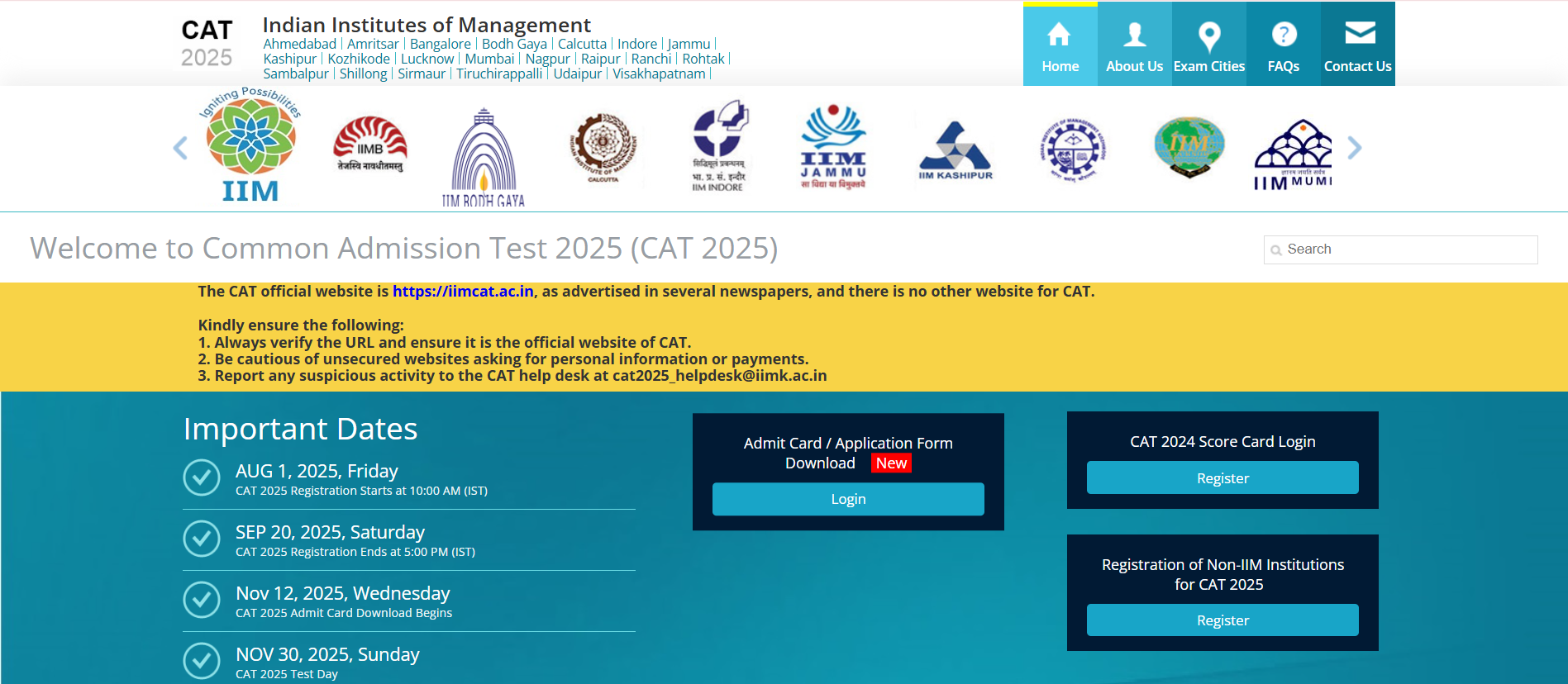
CAT 2025 Answer Key: The Indian Institute of Management (IIM), Kozhikode has released the Common Admission test (CAT) 2925 answer key and response sheet today, December 4, 2025. Candidates can check the official website to download the answer key and their response sheet to estimate their expected scores at iimcat.ac.in.
The management exam was held on Sunday, November 30, 2025 in three slots across India. Earlier in an official notice, the institute declared that the answer key and response sheets will be released on the website on December 3, 2025 however that was postponed until further notice. This year, the CAT 2025 answer key objection window will be opened after 4 days.
How to check the CAT 2025 Answer Key?
Candidates will need to follow the mentioned steps to check the CAT 2025 answer key online:
- Visit the official website at iimcat.ac.in
- Click on the candidate login page and enter your CAT ID and password
- In the dashboard, click on the response sheet link
- Check your response sheet and download it
- Check the answer key online
Candidates can estimate their CAT 2025 scores online by using the answer key and tally their responses on the sheet to calculate their expected marks, following the marking scheme.
How to raise an objection against the CAT 2025 Response Sheet and Answer Key?
Candidates will need to follow the mentioned steps to raise objection against CAT 2025 Response Sheet and Answer Key online:
- Visit CAT 2025 website at iimcat.ac.in
- Click on 'Login' and enter your CAT login ID and password
- In candidate dashboard, click on Objection tab
- Press on ‘+’ sign to add an objection
- Check question number and add details
- Upload supporting document and pay the objection fee of INR 1200 per question
- Review and submit the objection
- Save the confirmation page


![IIM CAT 2025 Response Sheet OUT LIVE: [Link Active] Download Answer Key PDF at iimcat.ac.in; Steps to Raise Objection, Latest Updates Here](https://img.jagranjosh.com/images/2025/December/4122025/cat-2025-live-blog.jpg)
Comments
All Comments (0)
Join the conversation